Vendor Management
You will find all the registered vendors under the Vendor section.

You can filter the vendors to find the vendor you are looking for. Just click on the Filter button and you will see the options to filter the vendors-

If you click on a vendor, you will be able to see the vendor profile-

You can edit the vendor details. Click on the “…” button and hit the Edit Details button.

Then you can edit-
Vendor General options
Vendor Subscription-

You can cancel the subscription from here. And for a free plan, you won’t see any invoices.
Vendor Address-

Vendor Documents-
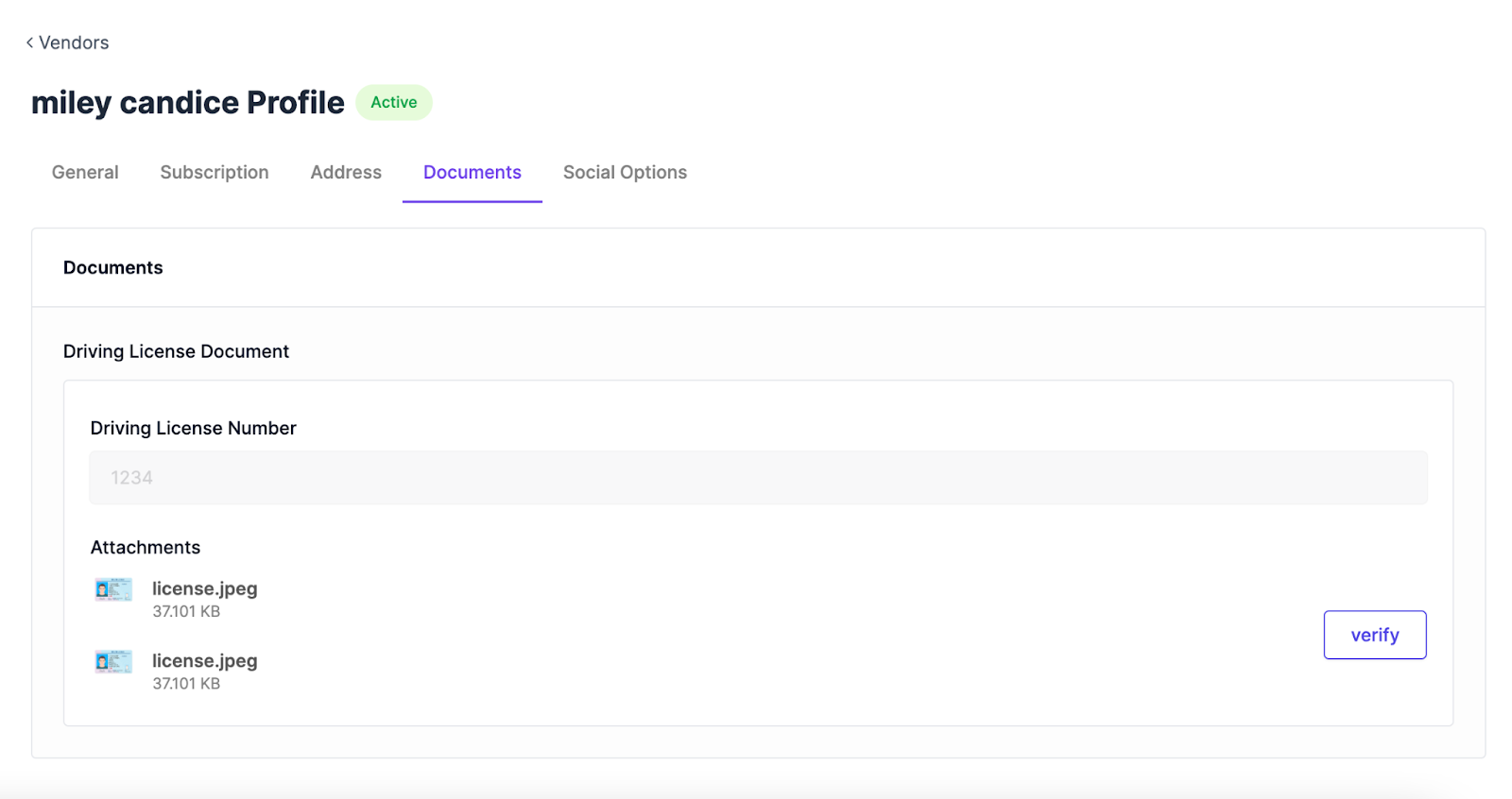
You can also verify the documents from here.
Vendor Social Options-
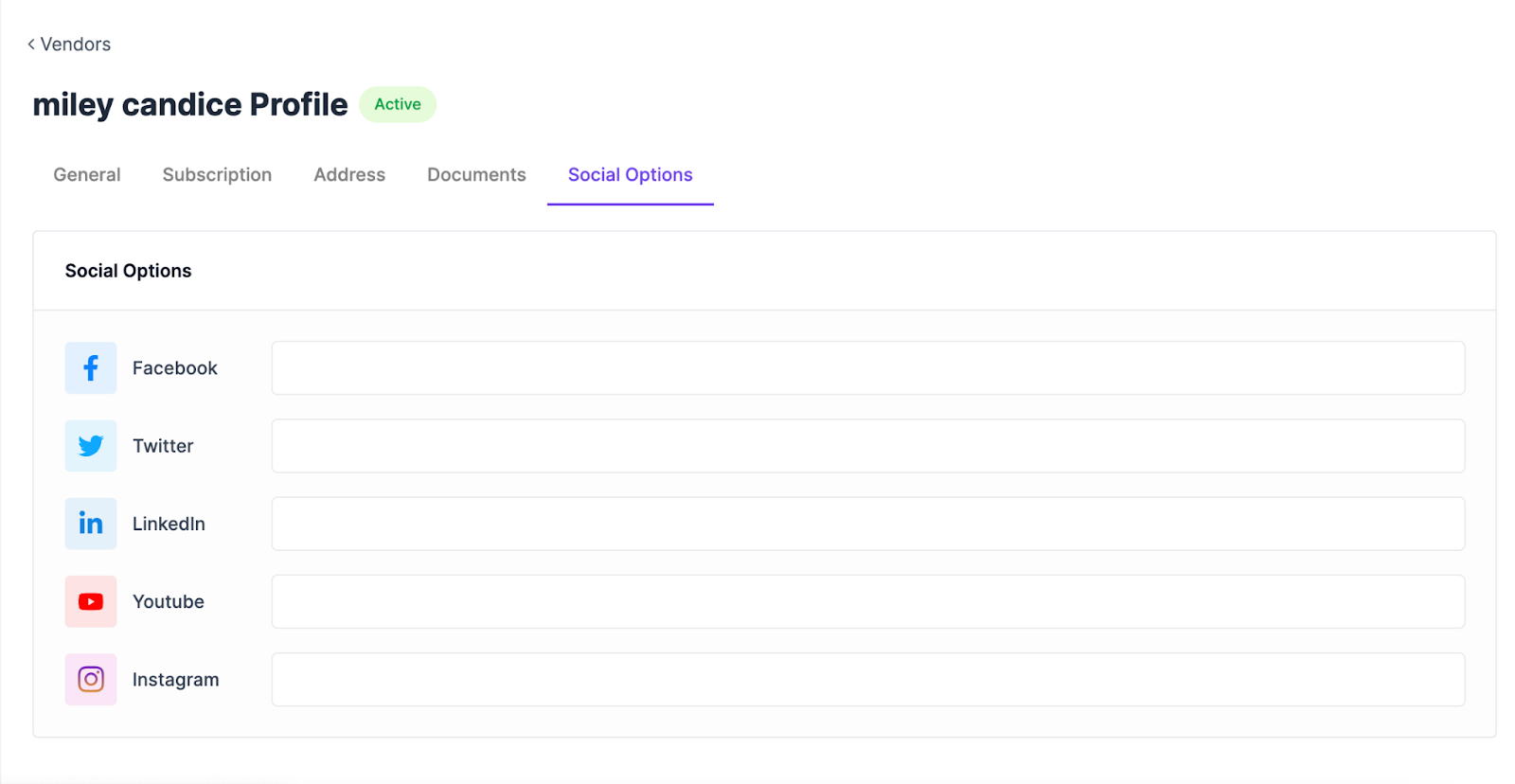
You can add vendor’s social profiles from here.
Updated on: 02/03/2026
Thank you!